If you are an aspirant for a clerical or administrative position on USAJOBS, you will likely need to pass the official Office of Personnel Management (OPM) typing test. As a typing coach, I work regularly with candidates preparing for GS-series roles, and the biggest hurdle is rarely speed alone—it is holding that speed with clean accuracy over a full five minutes. I have built the simulator below using authentic administrative text prompts and the standard five-minute timer so you can test your baseline right now.
Test Complete!
CPM: 0
Save Your Progress!
Log in or create an account to save your test results, track your history, and join the leaderboard.
No records yet. Be the first!
Table of Contents
What Are the Official OPM Exam Standards?
Before you run through more practice rounds, it helps to understand exactly how the federal government evaluates your performance:
- The 40 WPM Standard: Most GS-300 series clerical positions require a minimum net speed of 40 words per minute. Note: net 40 WPM means actually:
Net WPM = (Total Characters Typed5) × Accuracy
- The 5-Minute Duration: Standard 60-second online tests do not reflect this exam. The OPM test runs for five continuous minutes, which tests your muscular endurance and focus far more than a short burst does. If you want to build up to this standard systematically, I recommend spending time on our Federal Government Typing – 40 WPM USAJOBS Simulator.
- Net Speed vs. Gross Speed: Scoring heavily penalizes uncorrected errors. Hitting 60 gross words per minute with several mistakes will drop your net score below the passing mark faster than typing a clean, measured 42 words per minute.
My Core Advice for Civil Service Typing Prompts
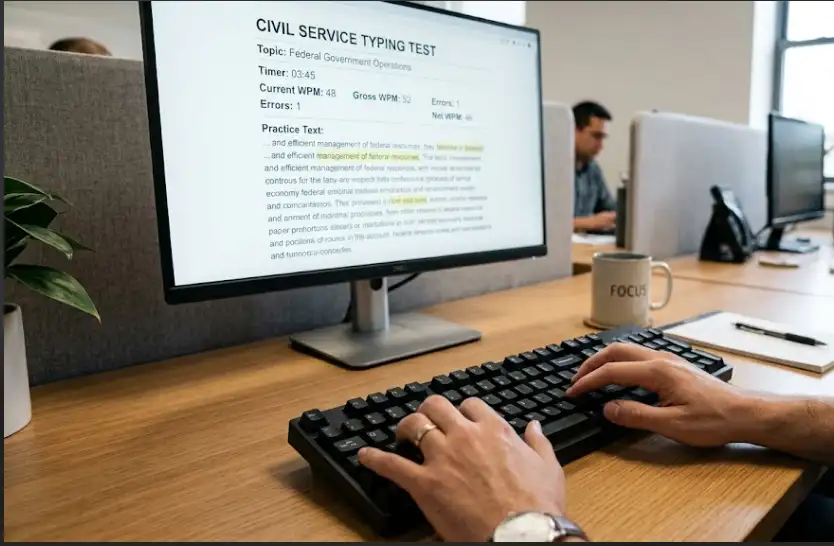
The text selections on civil service exams consist of formal government prose, workplace memos, and regulatory statements. They contain long sentences, precise punctuation, and formal vocabulary rather than casual conversational phrases. Here is how I instruct my students to handle this material:
- Keep your eyes strictly on the screen: Looking down at your keyboard instantly breaks your reading cadence and causes you to lose your place in long sentences. If your fingers still search for keys without you looking, review the fundamentals through our Touch Typing: A Free Lesson and an Interactive Task before attempting high-speed timed runs.
- Maintain a consistent rhythm: Do not speed up on easy words or slow down drastically on longer words. Aim for a steady, metronomic keystroke pace. A reliable tempo reduces finger slip-ups on complex terms.
- Do not rely on the backspace key: Backspacing repeatedly burns valuable seconds. It is much better to slow down your overall pace by 5 percent and type each word cleanly the first time than to type quickly and spend half your time fixing errors.
- Check your physical setup: Sit upright with both feet flat on the floor and keep your wrists straight rather than resting them hard against the desk. Five minutes of continuous typing will quickly cause hand fatigue if your posture is poor.
Work through the five-minute simulator above daily until you consistently score above 45 net words per minute. You can also practice with our other structured tools on typing practice for shorter warmups. Giving yourself that 5 WPM buffer will ensure you pass comfortably, even with test-day nerves.
Frequently Asked Questions About the OPM Typing Exam
Can I use backspace during the official OPM test?
Yes. You can correct mistakes using the Backspace key. However, excessive corrections directly reduce your final net speed. Aim to pace yourself so you type cleanly without relying heavily on corrections.
What is considered an error on the federal typing test?
An error includes misspelled words, omitted words, repeated lines, incorrect capitalization, and punctuation discrepancies. Each error deducts points from your gross word count to determine your official net WPM.
Do all federal clerical jobs require 40 WPM?
Most GS-2, GS-3, and GS-4 clerical and secretarial positions require a verified net speed of 40 WPM. Certain specialized positions (such as medical transcriptionists, court reporters, or legal secretaries) require between 50 and 65 WPM.