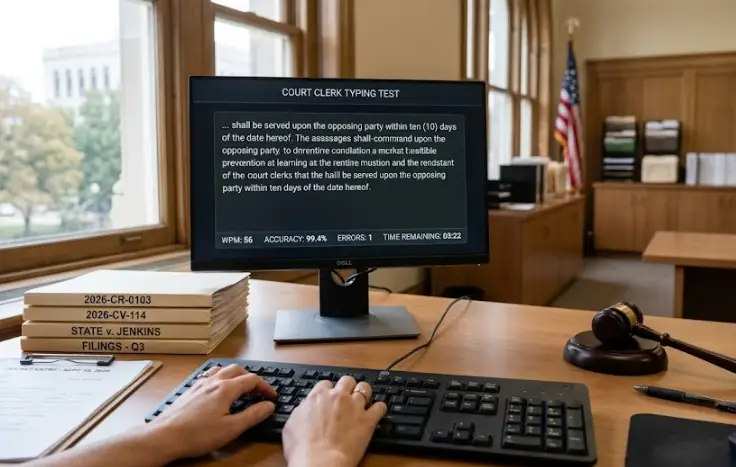
A GS-0303 Administrative Assistant or GS-0318 Secretary manages daily operations across executive offices. Your role revolves around transcribing meeting summaries, typing purchase requisitions, and formatting executive memorandums. Because federal agencies cannot afford communication errors, job postings marked Office Automation (OA) require you to establish a verified baseline of 40 Net Words Per Minute under official Office of Personnel Management (OPM) rules.
Above, we have provided an interactive five-minute civil service testing environment like engine. If numbers, colons, and capitalized acronyms cause your typing rhythm to break down, regular structured typing practice will train your hands to stay steady under exam pressure.
Table of Contents
The GS Administrative Scoring Formula Explained
Unlike casual online typing games that focus on raw gross speed, federal examiners evaluate your work with a strict mathematical penalty formula. During an agency-proctored five-minute test, every mistyped character or dropped punctuation mark directly reduces your final score.
Here is how OPM calculates your official Net WPM score on a standard five-minute passage:
- Total Keystrokes Counted: All typed letters, spaces, and punctuation marks are added together and divided by 5 to calculate your standard Gross Words.
- Penalty Deduction: Each uncorrected error is logged. Examiners subtract penalty words directly from your gross word total.
- Time Division: The remaining net word total is divided by 5 (the test minutes) to calculate your final Net Words Per Minute (NWPM).
Consider this practical example: if you produce 220 gross words over five minutes, your gross speed is 44 WPM. However, if you leave five uncorrected errors behind, your net word count drops, pulling your official score below the mandatory 40 NWPM threshold. Review our breakdown of the GS clerical 3 errors limit to understand why keeping typos to an absolute minimum is the only safe way to pass.
Three Obstacles Unique to Federal Admin Passages
Federal administrative exams do not use conversational fiction. The test text mimics official government correspondence, introducing specific technical hurdles:
- Frequent Capitalized Abbreviations: Strings such as OPM, GSA, DoD, and CFR require frequent, fast alternation of the Shift key. Stumbling on uppercase letters accounts for a large percentage of failed tests. We have provided a test-like typing task to make you more confident.
- Embedded Numerical Dates and Codes: Passages regularly include fiscal years (FY 2026), budget amounts ($12,450.00), and regulatory sections. If you look down to find number keys, you break visual lock on the copy.
- Complex Sentence Syntax: Bureaucratic directives use multi-clause sentences separated by semicolons, dashes, and parentheticals. These slow down typists accustomed to simple comma placements.
If you are exploring other administrative job codes across USAJOBS, test your baseline mechanics using our specialized HR assistant 40 WPM simulator to see how personnel-specific passages compare.
Troubleshooting Your 5-Minute Typing Cadence
Sustaining consistent speed across 300 continuous seconds requires physical control rather than frantic finger movement. Use these adjustments during your practice runs:
Fixing the Mid-Duration Speed Dip
Most candidates begin typing aggressively at 50 WPM, which leads to forearm strain by minute three. Force yourself to start the opening minute at a steady 42 WPM. A calm rhythm prevents finger fatigue and keeps your accuracy line flat throughout the test.
Recovering from Keystroke Mistakes
When you hit a wrong key, do not mash backspace repeatedly to scrub the entire word. Tap backspace once or twice calmly to fix the immediate typo, or continue typing the next word cleanly. For general civil service preparation across all federal titles, drill your endurance on our foundational federal government 40 WPM module.